Running Check‐in in Self mode is intended for frequent attenders who have been assigned a barcode number for the express purpose of using self check‐in. Although a volunteer is not needed to run the kiosk, it’s important to have one nearby in case there are questions or errors.
The steps for self check-in are as follows:
To use Check-in, in Self mode:
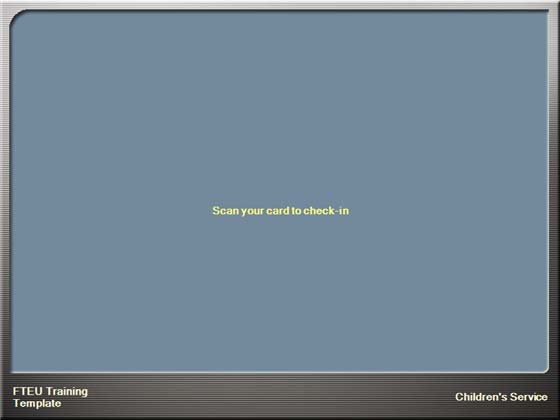
Let’s break the steps down. Step 1—the family will walk up to the kiosk as shown below:
Note: Participants must scan a barcode to use the self check‐in kiosk. If they have forgotten their barcode tag or receive an error message when scanning, they will need to proceed to a check‐in station that is running in Assisted mode.
One of two things will happen:
Note: Remember that volunteers are important at self check‐in stations as well. They are able to help people select schedules and troubleshoot any printer issues or assignment issues. Don’t forget to greet!
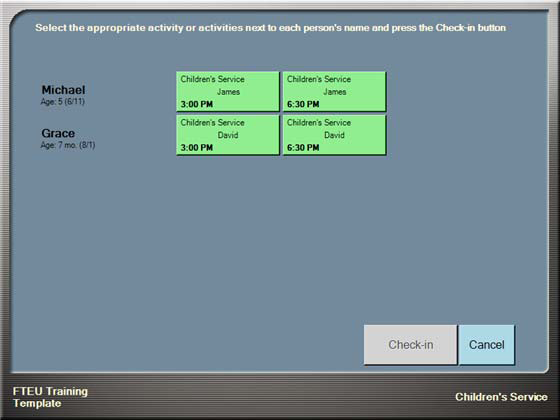
Step 2—Person touches the schedules to attend (marked 1 in the picture below):
Step 3—Person touches Check-in (marked 2 in the picture above).
And that’s all there is to it! Check-in is really a simple process of finding people, selecting the correct schedules/locations, and finalizing check-in. After a couple of minutes of practice you will be a pro!